Setup and API
8 min read
·
Updated
Every profile field, the limits Meta sets, display name rules and how to make your profile look trustworthy.

Nafih C
Product team, FlowFlex

When a customer taps your name in a WhatsApp chat, your business profile is the first thing they see. In a few seconds it tells them who you are, where you are, when you are open and whether this is really your business. A blurry logo, an empty description or a name that does not match your website is enough to make a careful customer stop replying.
This guide walks through every field of a WhatsApp Business profile, with the limits Meta sets and examples for businesses in the UAE, Saudi Arabia, Qatar, Kuwait, Bahrain and Oman. It covers both the WhatsApp Business app and the WhatsApp Business API.
Quick answer: what makes a good WhatsApp Business profile?
A clear square logo of at least 640 × 640 pixels, a display name that matches the name on your website and signage, a one-line About of up to 139 characters, a description of up to 512 characters that says what you sell and where, your real address, email, category and up to two websites. On the WhatsApp Business app, add opening hours, a catalogue and greeting and away messages. Keep every detail consistent with your website and Google listing.

These are the fields customers see, with the limits Meta applies on the WhatsApp Business API, documented in partner guides such as respond.io:
Field | Limit | Best practice |
|---|---|---|
Profile photo | Square; 640 × 640 pixels recommended; images under 192 × 192 may fail | Your logo on a plain background, readable when shown as a small circle |
Display name | Reviewed by Meta | The name on your website, signage and trade licence or CR |
About | 1 to 139 characters; links are not clickable | One line on what you do and a reason to message you |
Description | Up to 512 characters | What you sell, where, and how customers can order or book |
Address | Up to 256 characters | Full address with area and a landmark customers know |
Up to 128 characters | A monitored business address, not a personal one | |
Websites | Up to 2, with http:// or https:// | Your website, plus Instagram or a booking page |
Category | Chosen from Meta’s list | The closest match to what you sell |
On the API, some fields cannot be cleared once set: partners report that the category cannot be reset to empty. Choose carefully the first time.
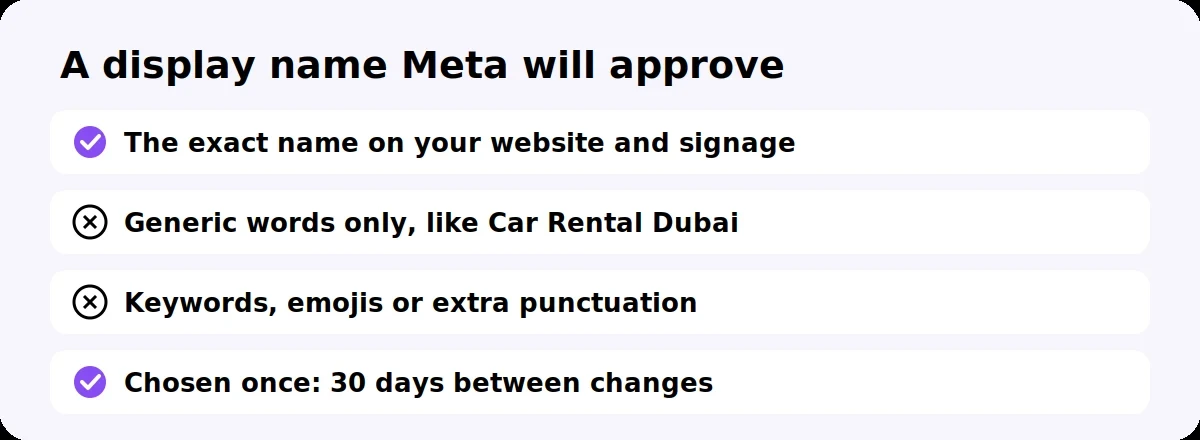
Use the name customers already know you by, written the same way as on your website. Meta reviews display names on the WhatsApp Business API and checks them against your website and documents.
Match your brand exactly. If your website and shopfront say “Example Motors”, your display name should say exactly that.
Avoid generic names on their own. A name made only of generic words, such as “Car Rental Dubai”, is likely to be rejected.
Skip keywords, emojis and extra punctuation. They make the name look less trustworthy and can fail review.
Get it right first time. After your number is registered, you must wait 30 days between display name changes.
Business verification also matters here: verified businesses can show their approved display name to customers. Our Meta verification checklist explains which documents work in each GCC country.
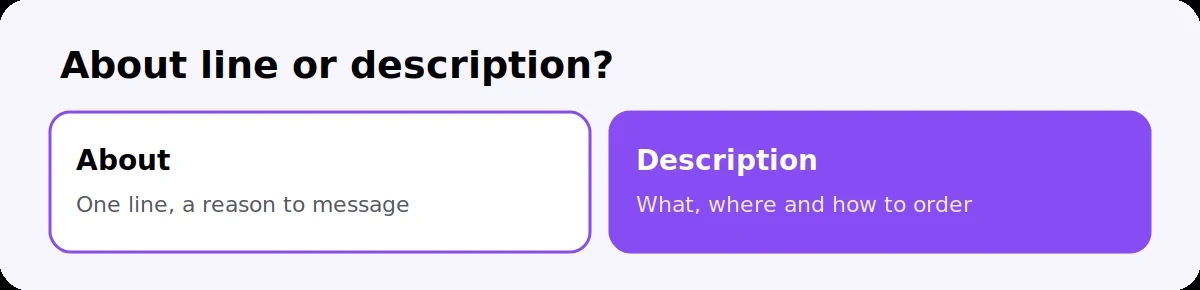
The About is a one-line hook; the description is a short pitch. Write both for a customer deciding whether to reply.
About (up to 139 characters). Say what you do and why to message you. For example:
“Car rental across Dubai and Sharjah. Message us for a quote in minutes.”
“Dental clinic in Al Khobar. Book or change appointments here.”
Description (up to 512 characters). Cover what you sell, where you operate and how ordering or booking works. For example, for a fictional rental company:
“Family-run car rental with 120+ cars, from economy to 4x4, in Dubai and Sharjah. Daily, weekly and monthly rentals, free delivery within Dubai. Send your dates and pickup location for an instant quote. Open daily 8 am to 10 pm.”
A few rules make both work harder:
Put the most important words first, because long text is cut off on small screens.
Use both Arabic and English if your customers do; the description has room for a short version of each.
Keep promises you can keep, such as response times and delivery areas.
Do not paste links into the About, because they are not clickable there. Use the website fields.
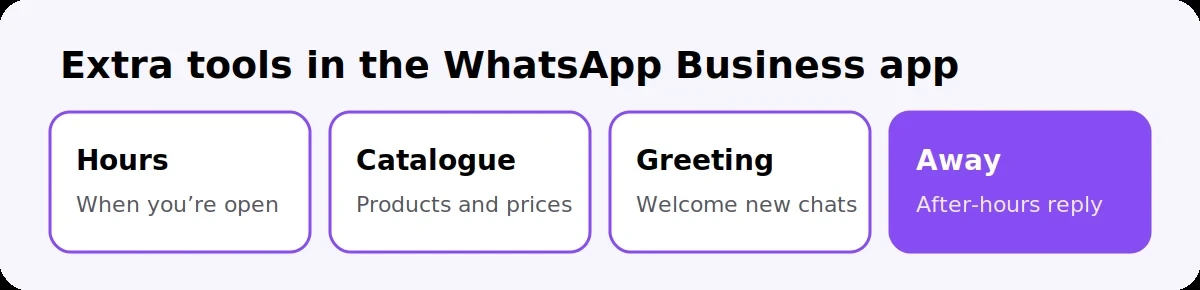
The WhatsApp Business app has extra tools that are not part of the API profile. If you use the app, or keep it alongside the API through coexistence, set these up too:
Tool | What it does | Tip |
|---|---|---|
Business hours | Shows when you are open | Use local time, and include weekend hours |
Catalogue | Shows products or services with prices | Add your best sellers with clear photos |
Greeting message | Replies to new customers automatically | Thank them and ask what they need |
Away message | Replies outside business hours | Say when you will reply, and offer a link to your catalogue |
Quick replies | Saves answers to common questions | Prices, location and delivery times |
Labels | Sorts chats, such as new lead or paid | Agree label names with your team |
Short link and QR code | Opens a chat with your business | Put them on your website, receipts and signage |
On the API, greetings, away messages and quick replies are handled by your provider’s automation and team inbox instead.
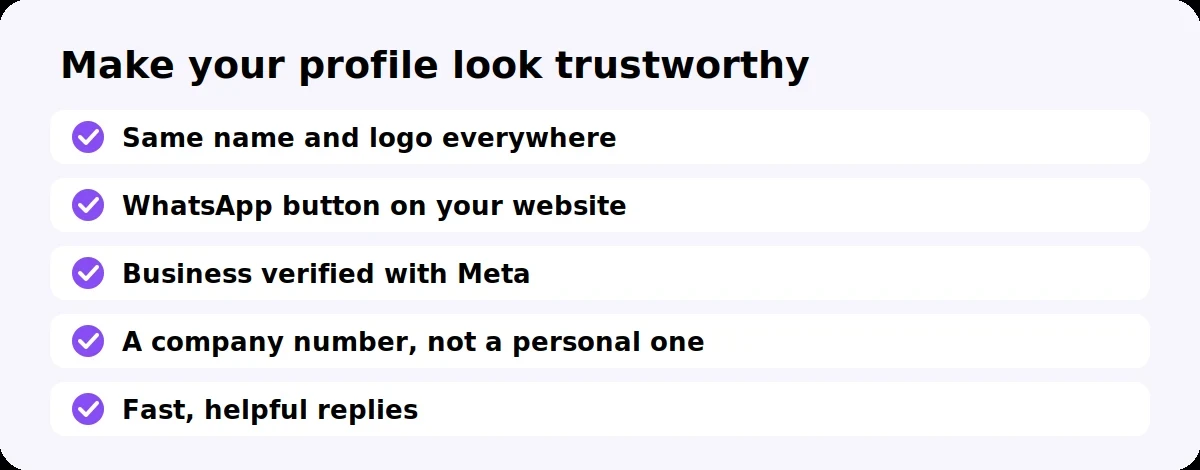
Many customers are wary of fake business accounts, so make it obvious your profile is the real one.
Be consistent everywhere. Use the same name, logo, address and phone number on WhatsApp, your website, Google listing and Instagram.
Link to WhatsApp from your website with a click-to-chat button, so customers know the number is yours. Our guide on adding WhatsApp chat to your website shows how.
Verify your business with Meta. It is free, and it confirms your company is real.
Consider Meta Verified if you want the blue badge. It is a separate, paid subscription.
Use a company number, never a staff member’s personal number, so the profile stays with the business.
Reply quickly. A complete profile followed by a fast, helpful answer is what turns a curious visitor into a customer.
Square logo of at least 640 × 640 pixels, readable as a small circle
Display name matches your website, signage and documents exactly
About line under 139 characters, with no links
Description under 512 characters: what you sell, where, and how to order or book
Full address with area and a landmark
Monitored business email
Website and one more link, such as Instagram or a booking page
The right category chosen
On the app: business hours, catalogue, greeting and away messages set up
Name, logo and details match your website, Google listing and Instagram
Business verified with Meta
What is the character limit for a WhatsApp Business description?
The description can be up to 512 characters on the WhatsApp Business API, and the About line up to 139 characters. Put the most important words first, because long text is cut off on small screens.
What size should a WhatsApp Business profile picture be?
Use a square image of at least 640 × 640 pixels, such as your logo on a plain background. Images smaller than 192 × 192 pixels may fail to upload or look blurry.
Can I change my WhatsApp Business display name?
Yes, but Meta reviews each change on the WhatsApp Business API, and you must wait 30 days between changes after your number is registered. Choose the name that matches your website and signage.
Why was my WhatsApp display name rejected?
Usually because it does not match your brand on your website and documents, or because it is made only of generic words. Use the exact name customers know you by, without keywords or emojis.
How many websites can I add to a WhatsApp Business profile?
Up to two, each starting with http:// or https://. Most businesses add their website plus Instagram or a booking page.
How do I get the blue tick on WhatsApp Business?
The blue badge comes from Meta Verified, a paid subscription for businesses that meet Meta’s requirements. Business verification, which is free, is a separate check that confirms your company is real.
FlowFlex is an official Meta Business Partner that helps GCC businesses set up their WhatsApp Business API profile, get their display name approved and answer every customer from one team inbox.
Start your 14-day free trial or message us on WhatsApp and we will review your profile with you.
Free tools
WhatsApp link and QR generator
Make a wa.me link with your message already typed, a QR code to print and a chat button for your website. Free, no sign-up, and nothing you type leaves your browser.