Team and numbers

Nafih C
Product team, FlowFlex
Updated
10 min read
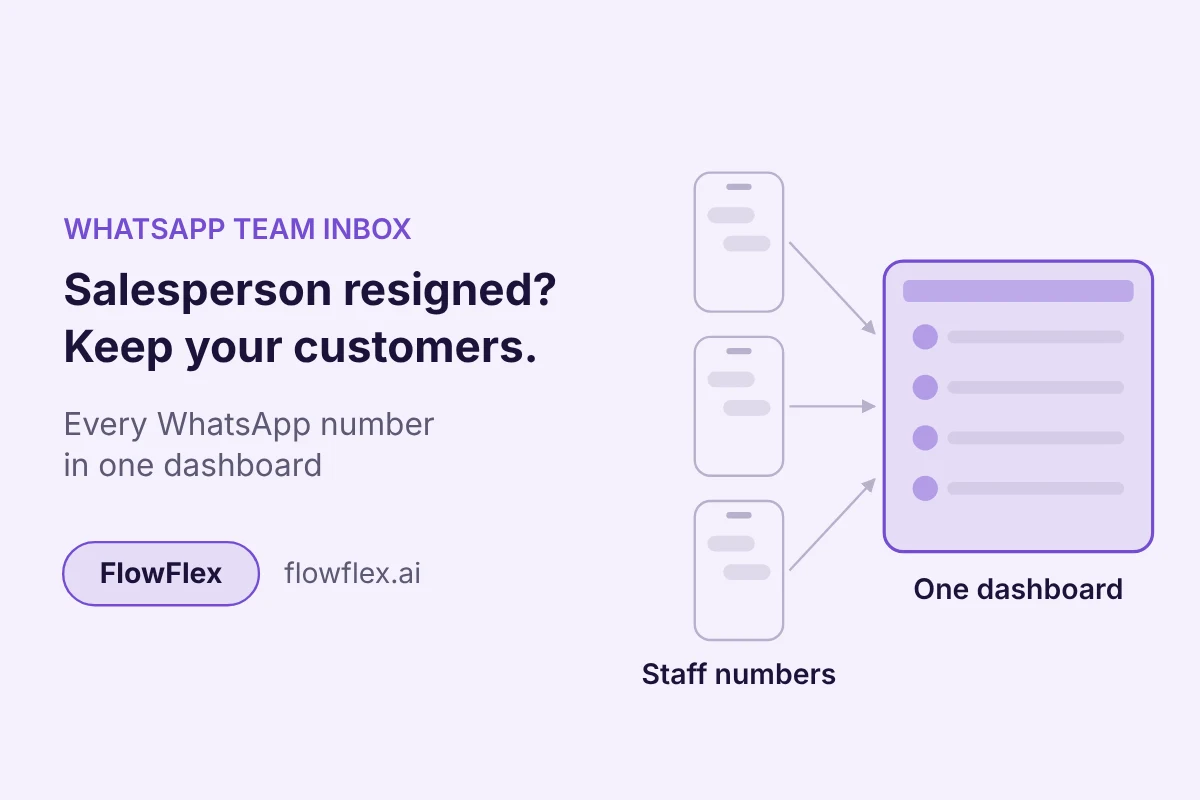
A limousine company in Dubai told us its biggest worry was not price or features. It was staff. When an employee leaves for a competitor, the customer numbers on their phone can leave too.
A plastic-piping supplier in the UAE runs the same risk: four salespeople, four separate WhatsApp numbers, and no way for the manager to see what was promised to whom.
The fix is to bring multiple WhatsApp numbers into one dashboard that the business controls. This guide explains how that works for businesses in the UAE, Saudi Arabia, Qatar, Kuwait, Bahrain and Oman.
Quick answer: what happens to your customers when a salesperson leaves?
If the salesperson chatted from their own WhatsApp number or phone, the chats and customer contacts usually leave with them. To stop that, register company-owned numbers on the official WhatsApp Business API and connect every number to one shared dashboard. Managers then see every conversation, chats can be reassigned in minutes, and the customer history stays with the business when someone resigns.
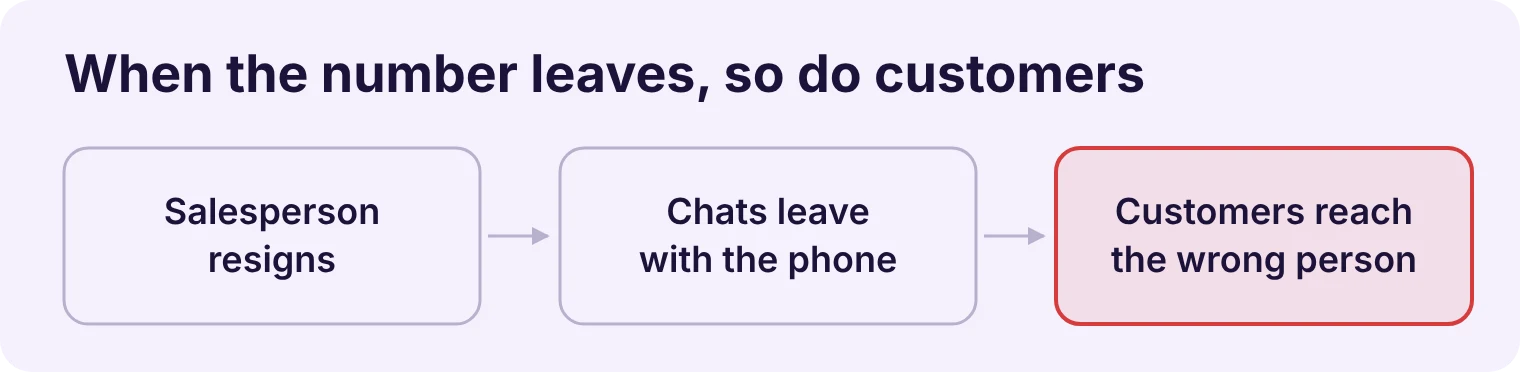
Because the relationship lives on the salesperson's phone, not in a system the business owns. For many GCC businesses WhatsApp is the main sales channel, and each salesperson often works from their own number.
We hear this setup on our calls again and again:
An engine-oil and spare-parts distributor with four field sales executives, each on a separate number.
A food distributor in Bahrain with nine salespeople and two supervisors, where enquiries get missed when a salesperson is busy.
A home-appliance exporter whose office sales team quotes prices on WhatsApp that nobody else can see.
This works until someone leaves. Then three things happen at once:
The history disappears. Quotes, delivery promises and complaints sit in a chat the business cannot open.
Customers keep messaging the old number. If that number belongs to the employee, the messages now reach someone who no longer works for you, or works for a competitor.
Nobody knows what was promised. The new salesperson starts from zero, and the customer has to explain everything again.
The same gap shows up on ordinary days too. When a salesperson is on leave or simply busy, nobody else can pick up their chats.
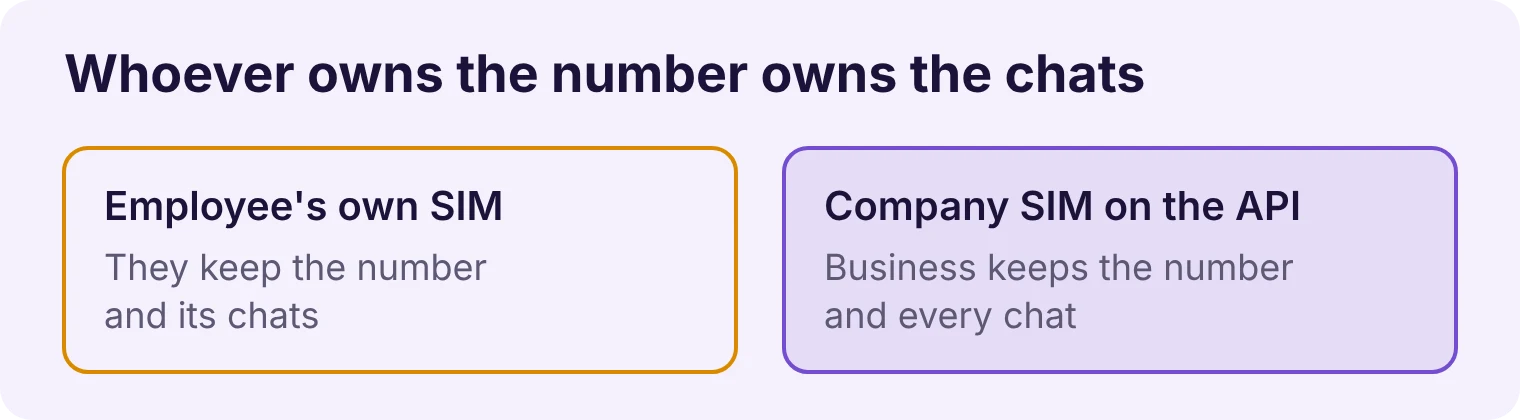
In practice, whoever controls the phone number and the device controls the chats. If a salesperson sells from a SIM registered in their own name, they can keep using that number, and its chat history, after they resign.
Setup | Who controls the chats after a resignation |
|---|---|
Personal SIM, personal WhatsApp | The employee |
Company SIM, WhatsApp Business app on the employee's phone | The business can take the SIM back, but past chats sit on that phone and whatever backup it used |
Company number on the WhatsApp Business API, shared dashboard | The business: remove the employee's login and reassign their chats |
Three steps put the business in control:
Use company-owned numbers. Buy SIMs in the company's name. Meta requires numbers registered on the API to be owned by the business registering them.
Keep admin rights with owners. Staff get user logins to the dashboard, not admin access to your Meta business portfolio. On the API, only portfolio admins can delete a business phone number.
Write it down. State in your employment contract or company policy that customer chats and numbers belong to the company. Check the wording with your legal adviser, since rules differ across GCC countries.
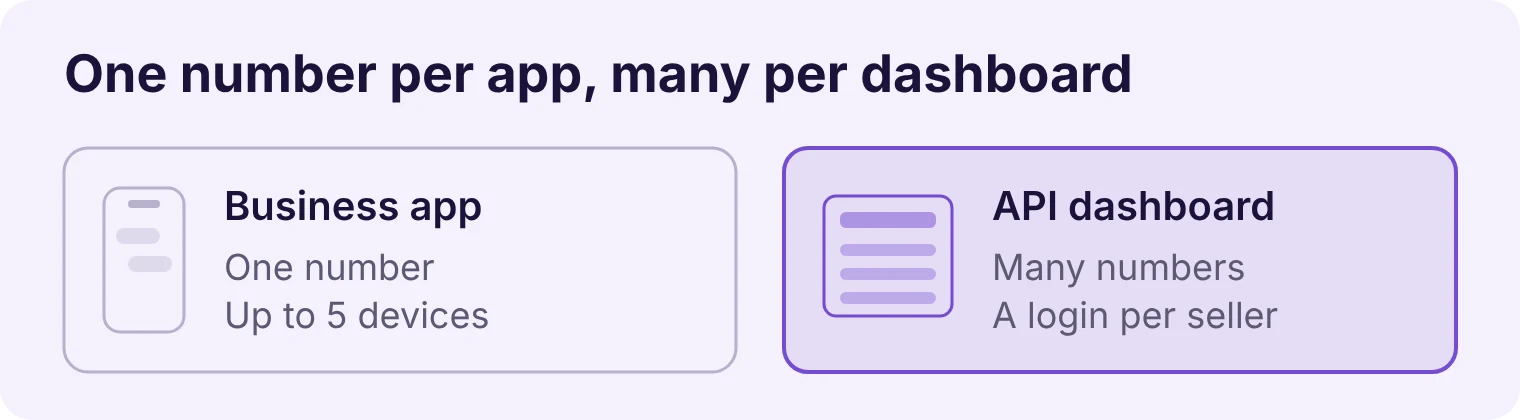
Yes, through the official WhatsApp Business API and a provider's dashboard. The free WhatsApp Business app cannot do it: each app runs one number, shared across a phone and up to four linked devices.
A paid Meta Verified or Meta One plan adds a multi-agent feature with up to 10 devices and basic chat assignment. That helps a small team share one number, but it is still one number on one phone.
WhatsApp Business app | App with paid multi-agent plan | WhatsApp Business API with a shared dashboard | |
|---|---|---|---|
Numbers | One | One | Several in one place |
Who can reply | Phone plus up to 4 linked devices | Up to 10 devices | As many staff logins as your plan allows |
Manager sees every chat | Only by holding a linked device | On linked devices | Yes, across all numbers |
Chat assignment | No | Basic | Yes, by rule, round-robin or by hand |
History stays when staff leave | Only if the business holds the phone | Only if the business holds the phone | Yes |
On the API, a new business portfolio can register two numbers. Meta raises the cap to 20 numbers once the business is verified or reaches the 2,000 messaging limit.
Adding numbers does not add broadcast capacity
Some tools still claim that spreading campaigns across several numbers gets around WhatsApp's sending limits. It does not. Meta sets messaging limits for the whole business portfolio, and every number in it shares the same limit. Use extra numbers to organise your team, not to send more.
Be careful with "no API needed" tools
Some dashboards connect staff numbers by logging in as a linked device or through a browser extension. They look convenient, but they are not the official API, and automating WhatsApp outside Meta's approved routes is a common cause of banned numbers. Ask any provider whether it is an official Meta partner before you connect your sales team.
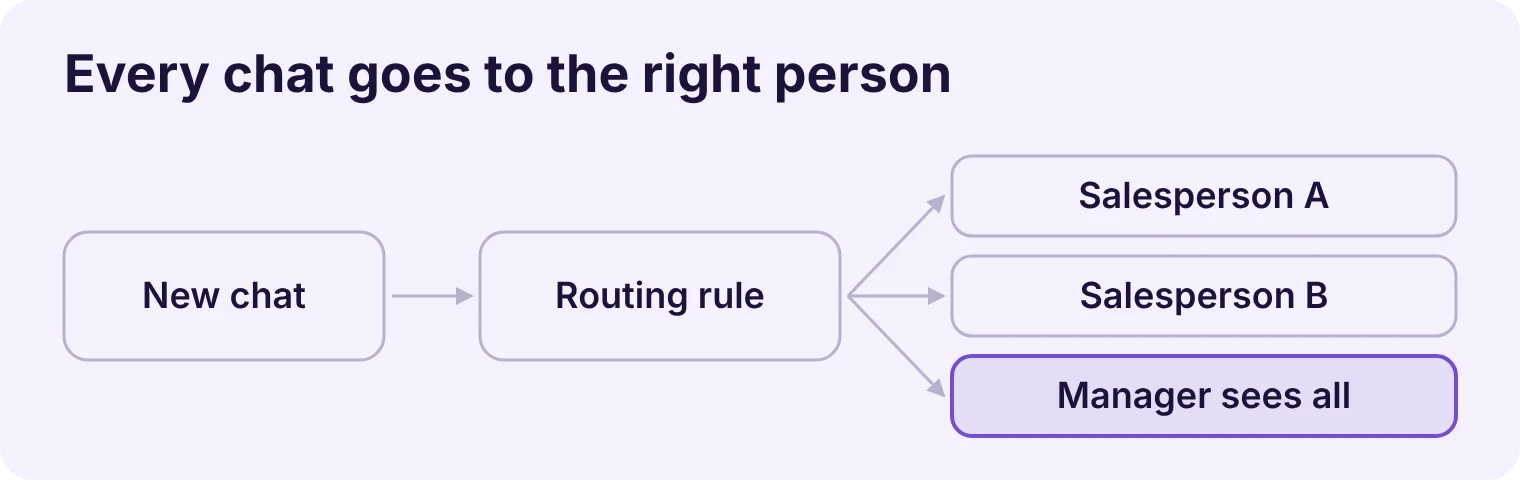
In a shared WhatsApp inbox for business, every connected number feeds one inbox, and each staff member logs in with their own user account. Rules decide who sees which chat and who replies, so managers keep oversight without holding anyone's phone.
Roles decide who sees what
Admins (owners and sales managers) see every chat on every number.
Agents (salespeople and support staff) see the chats assigned to them, or the chats on their own number.
A PRO and company-setup firm in Dubai we onboarded uses exactly this split: each salesperson sees only their own leads, and the admin sees everything.
Assignment decides who replies
New chats can be routed automatically instead of whoever grabs them first:
Round-robin: a Dubai real estate broker we spoke to wanted one broadcast number, with replies shared in turn across three agents.
By department: a freight company we are setting up routes enquiries from its ad number to six departments, such as air freight and land transport, and alerts each department head.
By hand: a manager moves a chat to a colleague when someone is on leave, or for good when they resign.
Extra protection for sensitive data
A limousine operator in Dubai asked for customer phone numbers and emails to be hidden from staff in the dashboard, with full details visible only to admins. If departing staff copying your customer list is a real worry, ask your provider whether it can mask contact details by role.
A record outside the chat
Connect the inbox to a Google Sheet or a CRM such as Zoho, so every new lead also lands in a record the business owns. If a chat is ever lost, the lead, its status and the assigned salesperson are still on file.
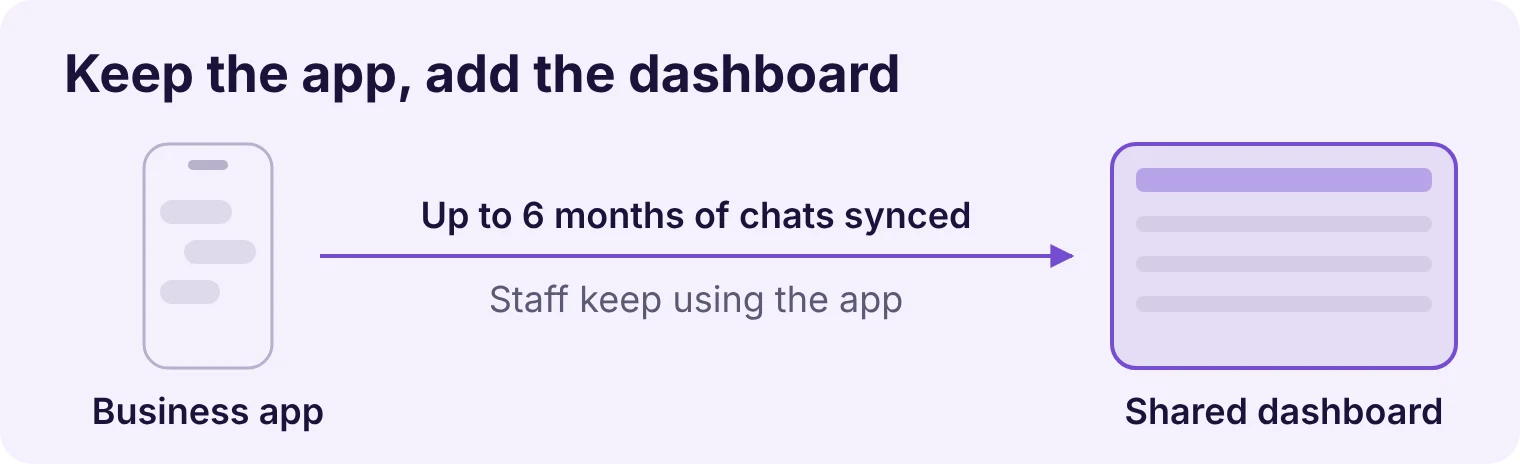
Use Meta's coexistence feature. It connects a number already running on the WhatsApp Business app to the API, so the salesperson keeps chatting from their phone while every message also appears in the shared dashboard. Meta's documentation says up to 6 months of chat history can be synchronised during setup.
This matters for businesses whose customers already know each salesperson's number. A spare-parts trader we spoke to, selling to buyers in Africa and Russia, needed to keep his existing number for exactly that reason.
Steps to connect each number
Check the app. The number must be on the WhatsApp Business app, not personal WhatsApp, and on version 2.24.17 or later.
Check who owns the SIM. If it is the employee's personal SIM, coexistence gives you visibility, but they still own the number. Move key customers to company numbers over time.
Connect through your provider's signup link. Scan the QR code from the Business app and confirm the business profile.
Share the chat history when the app asks, so past conversations come into the dashboard.
Verify your business if you need more than two numbers, so Meta raises your cap.
Limits to know
Numbers on coexistence have a fixed sending speed of 20 messages per second. That is plenty for sales conversations, though not for very large campaigns.
All your numbers share one daily messaging limit for business-started conversations, as explained above.
Some Business app features change after connecting. Check Meta's feature comparison with your provider before you switch.
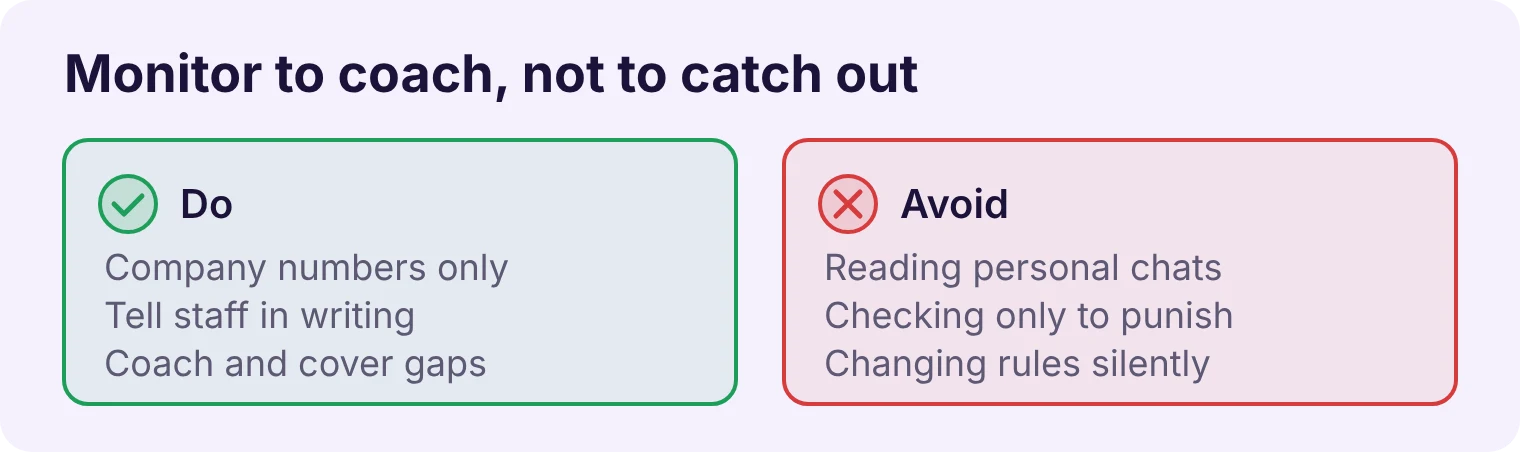
Monitor business numbers only, tell your team in writing that you do, and use what you see to coach and cover, not to catch people out. Done this way, it also protects salespeople when a customer disputes what was agreed.
Keep business and personal apart
Give each salesperson a company number for customers and let them keep their own WhatsApp for family and friends. Only the company numbers go into the dashboard. This avoids the awkward situation of a manager scrolling through someone's private messages.
Say it upfront
Add a short line to your company policy or employment contract: company numbers and their chats belong to the business, and managers can review them. Explain it at onboarding, not after a problem. Privacy rules differ across the GCC, so check the wording with your legal adviser.
What to look at
Unanswered chats at the end of the day, so no enquiry is left waiting overnight.
How quickly each salesperson first replies to a new enquiry.
What was promised: prices, discounts and delivery dates, so the next person can honour them.
Good conversations to use as examples when training new staff.
Use the dashboard to step in early, such as reassigning a chat when someone is overloaded, rather than to review every message.
Run through this before the salesperson walks out, and give a copy to whoever manages your sales team.
Reassign all their open chats and leads to named colleagues in the dashboard
Remove their dashboard login and any admin rights in your Meta business portfolio
Collect the company SIM and phone, and unlink any devices connected to company numbers
Check that their customer list and lead statuses are up to date in your Google Sheet or CRM
Note any open quotes, discounts or delivery promises, and hand them to the new owner
Send key customers a short message introducing their new contact, from the same company number
Update the number and contact name on any ads, website pages or price lists that showed theirs
Change shared passwords and two-step verification PINs they knew
Confirm in writing that company chats and numbers stay with the business
What is a WhatsApp team inbox?
A WhatsApp team inbox is one dashboard where several staff manage customer chats from one or more WhatsApp numbers, each with their own login. Rules decide who sees and replies to each chat. It runs on the official WhatsApp Business API through a provider.
Can I manage multiple WhatsApp numbers from one account?
Not in the WhatsApp Business app, which runs one number per account. On the WhatsApp Business API, a business portfolio can register two numbers at first, rising to 20 once the business is verified or reaches the 2,000 messaging limit.
Can two people use the same WhatsApp Business number at the same time?
Yes. The Business app works on one phone plus up to four linked devices, or up to 10 devices with a paid multi-agent plan. On the API, as many staff as your plan allows can reply from the shared dashboard.
Can I see my employees' WhatsApp chats?
You can see chats on company numbers connected to your dashboard. Tell staff in writing that you review them, never access their personal WhatsApp, and check local privacy rules with your legal adviser.
What happens to WhatsApp chats when an employee leaves?
If they used the Business app on their own phone, the chats stay on that phone and its backup. If the number is connected to a shared dashboard on the API, the chats stay with the business and a manager can reassign them.
Will my salespeople lose their chat history if we move to the API?
Not if you use coexistence. It connects each existing Business app number to the API and can synchronise up to 6 months of past chats, while the salesperson keeps using the app on their phone.
Does adding more WhatsApp numbers let me send more broadcasts?
No. Meta sets one messaging limit for the whole business portfolio, and every number in it shares that limit. Extra numbers help you organise your team, not increase how many people you can message each day.
If your sales team sells from their own numbers today, you are one resignation away from losing customers you paid to win.
FlowFlex is an official Meta Business Partner that connects your team's WhatsApp numbers into one dashboard on the WhatsApp Business API. Managers see every chat, leads are assigned automatically, and history stays with the business when staff change. We can connect existing Business app numbers through coexistence, so nobody loses their chats.
Book a free setup check: message us on WhatsApp and we will map how your team sells today and which numbers to bring into one dashboard first.